
successpoint64
04-Jul-2026 12:39:55 PM
If you have passed the RSCIT exam and are looking for a simple way to get your certificate, this guide walks you through every available method — from DigiLocker to the official VMOU portal.
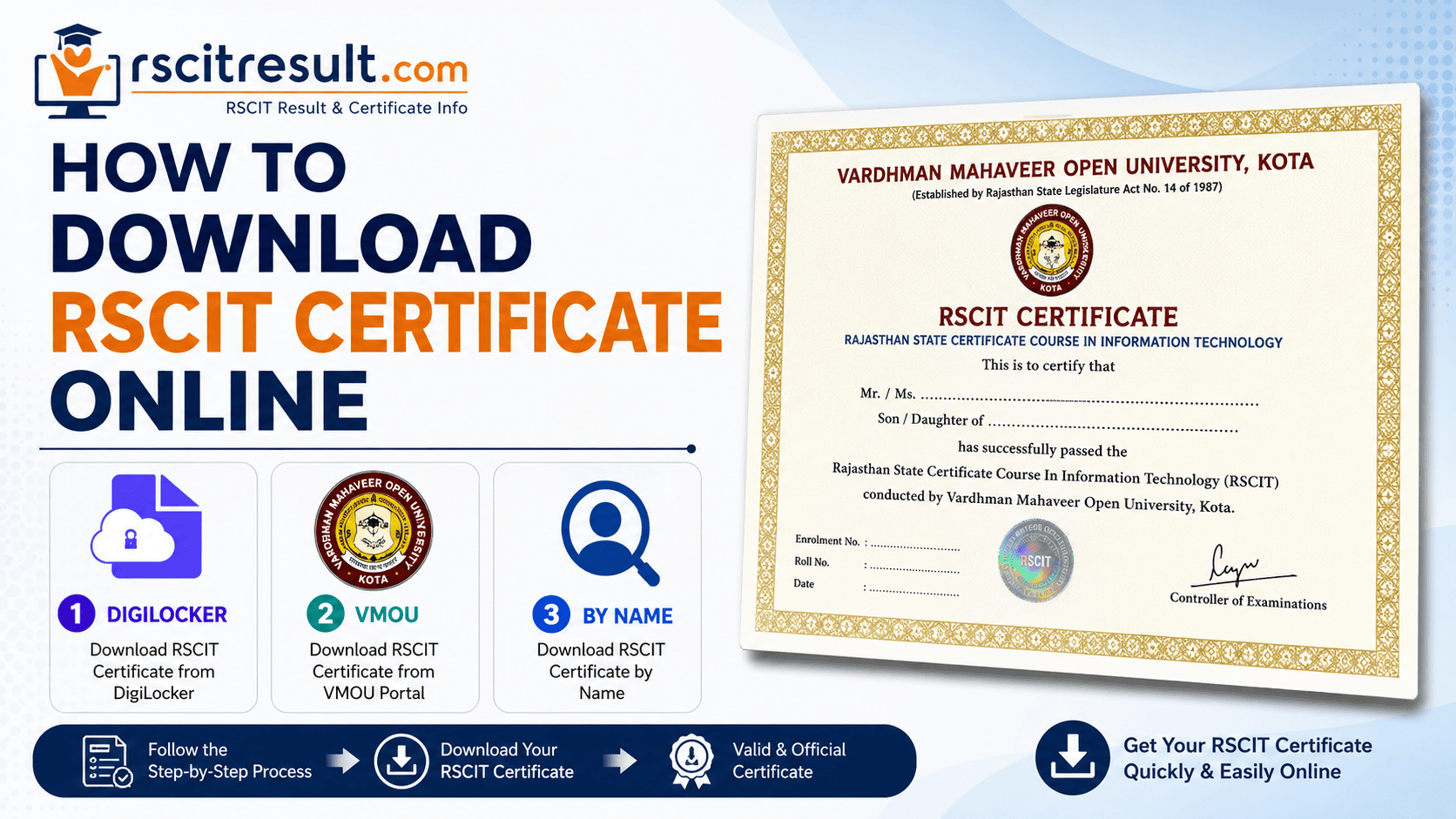
You can download your RSCIT certificate online in two main ways: through the NAD DigiLocker portal, where the certificate is issued digitally by Vardhman Mahaveer Open University (VMOU), or through the official RKCL–VMOU website (rkcl.vmou.ac.in), where you can check your result and access certificate-related details using your roll number, name, or date of birth. DigiLocker is currently the fastest and most widely used option for a digital, legally valid copy.
How to Download RSCIT Certificate Online: Step-by-Step
Method 1: Get RSCIT Certificate on DigiLocker
DigiLocker, run under the government's National Academic Depository (NAD), is the primary way most learners now get their RSCIT certificate on DigiLocker without visiting any center.
- Install the DigiLocker app from the Play Store/App Store, or open digilocker.gov.in in your browser.
- Sign in or create an account using your Aadhaar-linked mobile number.
- On the home screen, tap Search Documents.
- Type "Vardhman Mahaveer Open University" (or simply "Vardhman") in the search bar.
- Select the certificate document listed under VMOU, Kota.
- Fill in the required fields — your name will auto-populate from Aadhaar, then enter your RS-CIT Registration/Learner ID and the year you appeared for the exam.
- Tap Get Document. Your certificate will be fetched instantly and saved permanently under "Issued Documents" for future use.
This DigiLocker copy is legally valid under the IT Act, 2000, and carries a verifiable QR code, so it can be used for job applications and further admissions just like the physical copy.
Method 2: Download RSCIT Certificate Online via VMOU Portal
If you prefer the official examination body's site, you can download the RSCIT certificate online via the VMOU-RKCL result portal.
- Visit the official website: rkcl.vmou.ac.in.
- Look for the "Student Corner" or "Result" section on the homepage.
- Select the RSCIT exam and choose your exam date/phase from the dropdown.
- Enter your roll number (from the admit card) along with the captcha code.
- Submit to view your scorecard. Once your result is marked as "Pass," you'll find a link or instruction directing you to DigiLocker for the actual certificate, since VMOU issues the digital certificate through NAD rather than a direct PDF button on its own site.
RSCIT Certificate Download by Name
Lost your roll number? You can still complete an RSCIT certificate download by name using the alternate search option.
- Go to results.vmou.ac.in or the results section on rkcl.vmou.ac.in.
- Select "RSCIT Exam" from the course list.
- Choose the name-wise search option.
- Enter your full name exactly as per your admission form, along with your date of birth.
- Submit to view your result. If your roll number still isn't visible, contact your ITGK (Information Technology Gyan Kendra) or the VMOU helpdesk, since your Learner ID is required to fetch the certificate on DigiLocker.
RSCIT Certificate Download PDF: What to Know
Many learners search for a direct RSCIT certificate download PDF link, but there's an important distinction to keep in mind:
- The scorecard/result can usually be saved or printed directly as a PDF from the VMOU result page.
- The certificate itself is issued as a secure digital document through DigiLocker, not as a plain downloadable PDF from the VMOU website. This is intentional — it prevents tampering and keeps the document independently verifiable.
- Once downloaded from DigiLocker, you can save or print that file, and it works exactly like a PDF for submission purposes.
Documents You'll Need
- Aadhaar card (linked to your mobile number for DigiLocker)
- RS-CIT Registration/Learner ID
- Roll number or admit card (if available)
- Exact name and date of birth as per your admission records
Eligibility and Important Notes
- Digital certificate issuance through DigiLocker generally applies to candidates who cleared the RSCIT exam in 2022 or later; older batches may need to rely on the physical copy from their ITGK.
- You can only access your own certificate through your own DigiLocker account — it cannot be pulled from someone else's login.
- The original physical certificate is still considered the primary document for most official verification and typically reaches your ITGK center around four to six months after the result, sometimes longer.
- Always collect the physical certificate from your ITGK as well, since certain government job applications and exam boards still ask for it specifically.
DigiLocker vs VMOU Website: Quick Comparison
| Feature |
DigiLocker |
VMOU / RKCL Website |
| Certificate format |
Digital, downloadable anytime |
Result/scorecard only; certificate routed via DigiLocker |
| Legal validity |
Valid under IT Act, 2000 with QR verification |
Valid for result reference |
| Requirement |
Aadhaar-linked mobile number |
Roll number, name, or DOB |
| Best for |
Instant certificate access |
Checking results and exam status |
| Availability |
Batches from 2022 onward (mostly) |
All batches (for result checking) |
Frequently Asked Questions
Q1. How can I download my RSCIT certificate online?
The most reliable way is through DigiLocker. Search for Vardhman Mahaveer Open University, enter your Learner ID and exam year, and select "Get Document" to download your certificate instantly.
Q2. Can I do an RSCIT certificate download by name if I don't have my roll number?
Yes. Use the name-wise search on the VMOU result portal with your full name and date of birth. However, you'll still need your Learner ID to actually fetch the certificate from DigiLocker.
Q3. Is there a direct RSCIT certificate download PDF option on the VMOU website?
Not exactly. The VMOU/RKCL site is mainly used for checking results, while the certificate itself is issued as a secure digital document through DigiLocker rather than a plain PDF download link.
Q4. How long does it take to get the RSCIT certificate after the result?
The digital copy on DigiLocker is usually available soon after results are declared, provided your batch is eligible. The physical certificate generally takes about four to six months to reach your ITGK center.
Q5. Is the DigiLocker RSCIT certificate accepted for government jobs?
Yes. Since it is issued under the National Academic Depository and carries a verifiable QR code, it is legally valid under the IT Act, 2000, and accepted for most job and admission purposes in Rajasthan.
Key Takeaways
- DigiLocker is the fastest way to get your RSCIT certificate on DigiLocker with a verifiable digital copy.
- Downloading the RSCIT certificate online via VMOU mainly helps you check your result; the certificate itself comes through DigiLocker.
- You can complete an RSCIT certificate download by name using the name-wise search if your roll number is missing.
- There's no separate RSCIT certificate download PDF button — the DigiLocker document serves that purpose securely.
- Keep collecting your physical certificate from your ITGK as a backup, since some verifications still ask for it.
Conclusion
Downloading your RSCIT certificate online doesn't have to be confusing once you know where to look. For most learners, DigiLocker remains the quickest and safest route, while the VMOU-RKCL website is your go-to for checking results and tracking your certificate status. Whether you search by roll number or by name, keep your Aadhaar, Learner ID, and exam details handy, and you'll have your certificate in hand within minutes.


successpoint64